Best Google Maps Scraper in 2026
Updated 9/20/2026
Anyone who has tried building a lead list by hand knows the drill. You open Google Maps, search a category and a city, and start copying names, phone numbers, and addresses into a spreadsheet. It works fine for a dozen businesses. Past a few hundred, you're dealing with duplicate listings, three different address formats, and a CRM import that rejects half the rows.
That's the gap Google Maps scrapers close. We tested 11 tools for 2026 and sorted them into three groups that match how people actually work: cloud-based platforms for lead generation, API-first tools for developers, and no-code tools for quick, visual jobs. The comparison table below gives the short version; the sections after it go deeper.
Why Businesses Rely on Google Maps Scrapers in 2026
Sales teams use these tools to build prospect lists by category and city instead of searching one business at a time. Agencies lean on them to size up local competition for clients, and SEO teams pull the same kind of data to track how listings and rankings move over time. Plenty of small business owners just want an easier way to find and organize nearby customers or partners. You don't need a dev team on staff to get value out of one of these.
The category has grown quickly. What used to be simple browser extensions now includes AI Google Maps scraper tools that clean and verify data as they collect it, flagging disconnected numbers or outdated listings before they ever reach a CRM. Some tools are purpose-built to scrape Google Maps. Others just treat it as one data source among several.
Quick Comparison Table
Here's how the 11 tools compare at a glance. The sections below go into more depth on each one.
| Tool | Type | Pricing Model | Best For |
|---|---|---|---|
| G Maps Extractor | Online scraper, API, extension | Free plan plus entry-level subscriptions | A best Google Maps scraper pick for no-code lead generation with export to CSV, Excel, or JSON |
| Outscraper | Cloud platform and API | Usage-based, tiered per-record pricing | High-volume Maps data with broad global coverage |
| Scrap.io | Cloud platform | Credit-based, flat monthly plans | Predictable flat pricing at scale |
| Apify | Developer platform (Actors) | Usage-based plus platform subscription | Custom pipelines and integrations for developers |
| D7 Lead Finder | Web-based lead finder | Entry-level subscription tiers | Agencies wanting tech-stack and ad-tracking signals on leads |
| QuickLeadFinder | Web-based lead finder | Free tier plus entry-level subscriptions | Small teams wanting a simple dashboard for local leads |
| BrightData | Enterprise data infrastructure | Usage-based, enterprise-level | One of the best Google Maps scraper APIs for teams needing broader scraping, not just Maps |
| ScrapingBee | General web scraping API | Usage-based, entry-level to higher-cost | Teams needing a broader scraping API, not just Maps |
| DataForSEO | SEO data API suite | Usage-based, pay per task | SEO and local rank tracking teams already using APIs |
| HasData | Developer API and no-code scraper | Credit-based, entry-level | Developers who want a lean, affordable REST API |
| Octoparse | No-code visual scraper | Free plan plus flat monthly subscriptions | Non-technical users who want visual, template-based scraping |
How We Chose These Google Maps Scraping Tools
We didn't rank these tools by affiliate payouts. Instead, we judged each one against what actually matters in any scraping software comparison for real-world Maps data collection. The criteria are laid out in the table below.
| Criteria | What We Evaluated |
|---|---|
| Relevance | Is this a purpose-built Google Maps tool, or a general scraper that supports Google Maps? |
| Export Options | Does it support CSV, Excel, and JSON? How easily can data be moved into a spreadsheet or CRM? |
| Ease of Use | Does it offer no-code dashboards and browser extensions, or does it require coding knowledge? |
| API and Automation Support | Can you schedule scraping jobs and automate workflows, or can you only run jobs manually? |
| Lead-Gen Fit | How well does it build prospect lists with emails, phone numbers, and other contact information? |
| Pricing and Value | Does the pricing model fit your use case, beyond just comparing the sticker price? |
| Data Quality | How detailed and accurate is the data? How well can the tool extract information from Google Maps despite its display limitations? |
| Responsible Use | Does the tool support responsible outreach practices rather than enabling spam? |
None of this guarantees performance forever. Pricing and features change often, so it's worth checking each vendor's current plans before you commit.
Cloud-Based Google Maps Scrapers Built for Lead Generation
Cloud-based tools run extraction jobs on the vendor's own servers instead of your computer, which usually means faster runs and a simple search-filter-export dashboard instead of code.
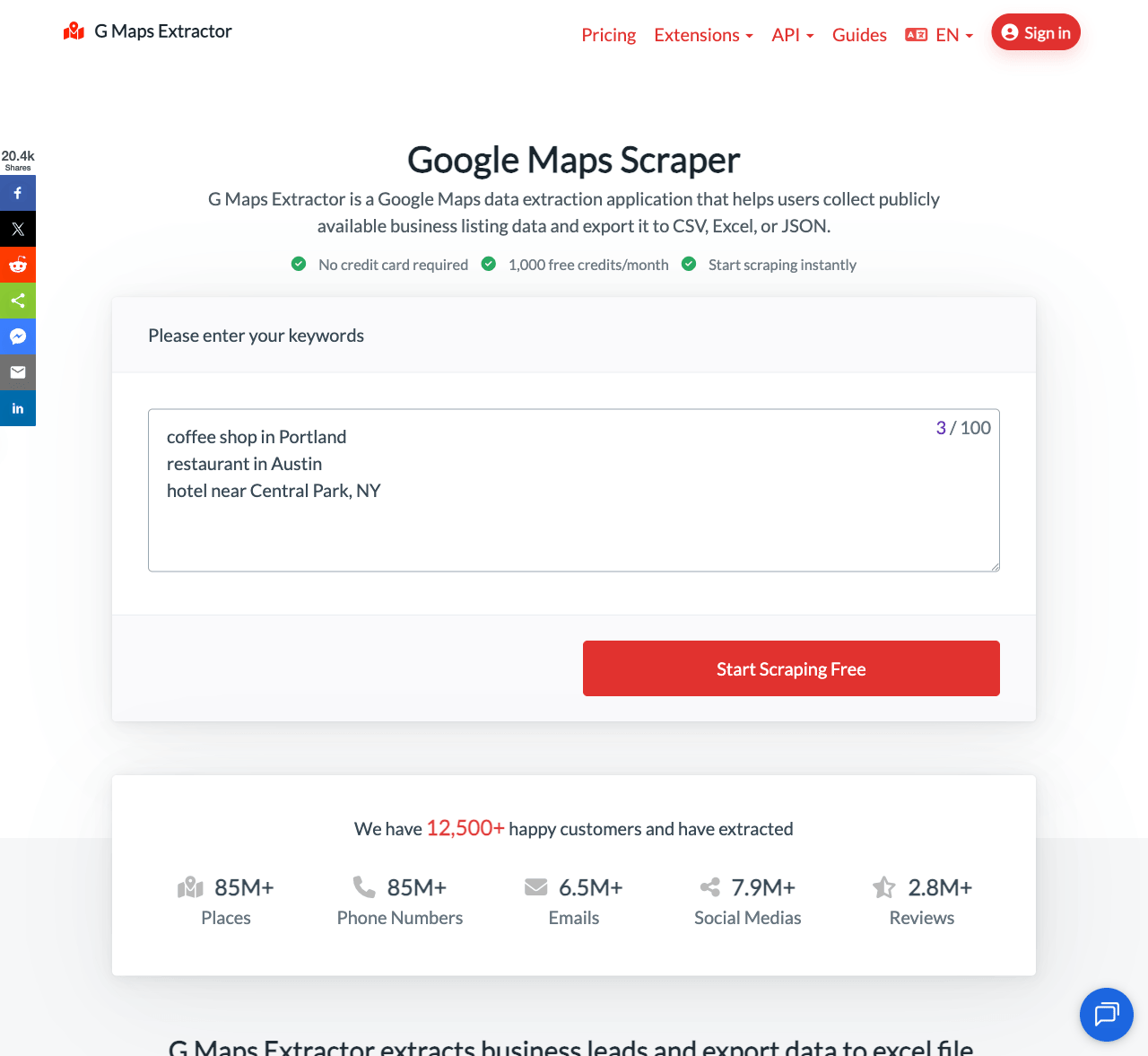
G Maps Extractor: A Practical All-in-One Option for Business Leads
What It's Best For
Marketers and small agencies who want clean, exportable Google Maps data and don't want to touch a line of code to get it.
Of the eleven tools here, G Maps Extractor is the one built with nothing else competing for its attention, not bolted onto a broader platform but shaped end to end around Google Maps. At its core is a no-code online scraper for CSV exports, plus a Google Maps Scraper API for JSON output and automation. A Reviews API, a Photos API, and a Google Maps Scraper MCP server round out automation, and the Google Maps Extractor extension for Chrome and Edge is there too, for quick, on-page pulls when you'd rather work directly inside Google Maps.
Every export comes out as CSV, Excel, or JSON, so it drops straight into a spreadsheet, a CRM import, or a script without extra formatting work. Sales teams use it to build call lists by category and city. Agencies lean on it for local SEO audits and competitor tracking, pulling ratings, categories, and review counts across a whole market in one search. And because the exports are already clean, it usually holds up fine as the first step in a CRM workflow, with no spreadsheet clean-up pass required first.
Main Strengths
- Covers a wide set of fields in one pull, including names, addresses, phone numbers, emails, social links, and reviews
- Clean CSV, Excel, and JSON exports that drop straight into a spreadsheet or CRM import
- A genuine free tier for testing searches before committing to a paid plan
- No technical setup required; the interface is built for non-developers
Possible Limitations
- Very large, nationwide or global jobs need planning around monthly limits; don't assume unlimited volume out of the gate
- The extension, cloud scraper, and API are billed as separate products, so match the right one to your workflow before subscribing to all three
Who Should Choose It
Freelancers, small marketing teams, and agencies that want a dependable, affordable Google Maps scraper for turning Maps searches into usable spreadsheets, without needing a developer on staff to make it work.
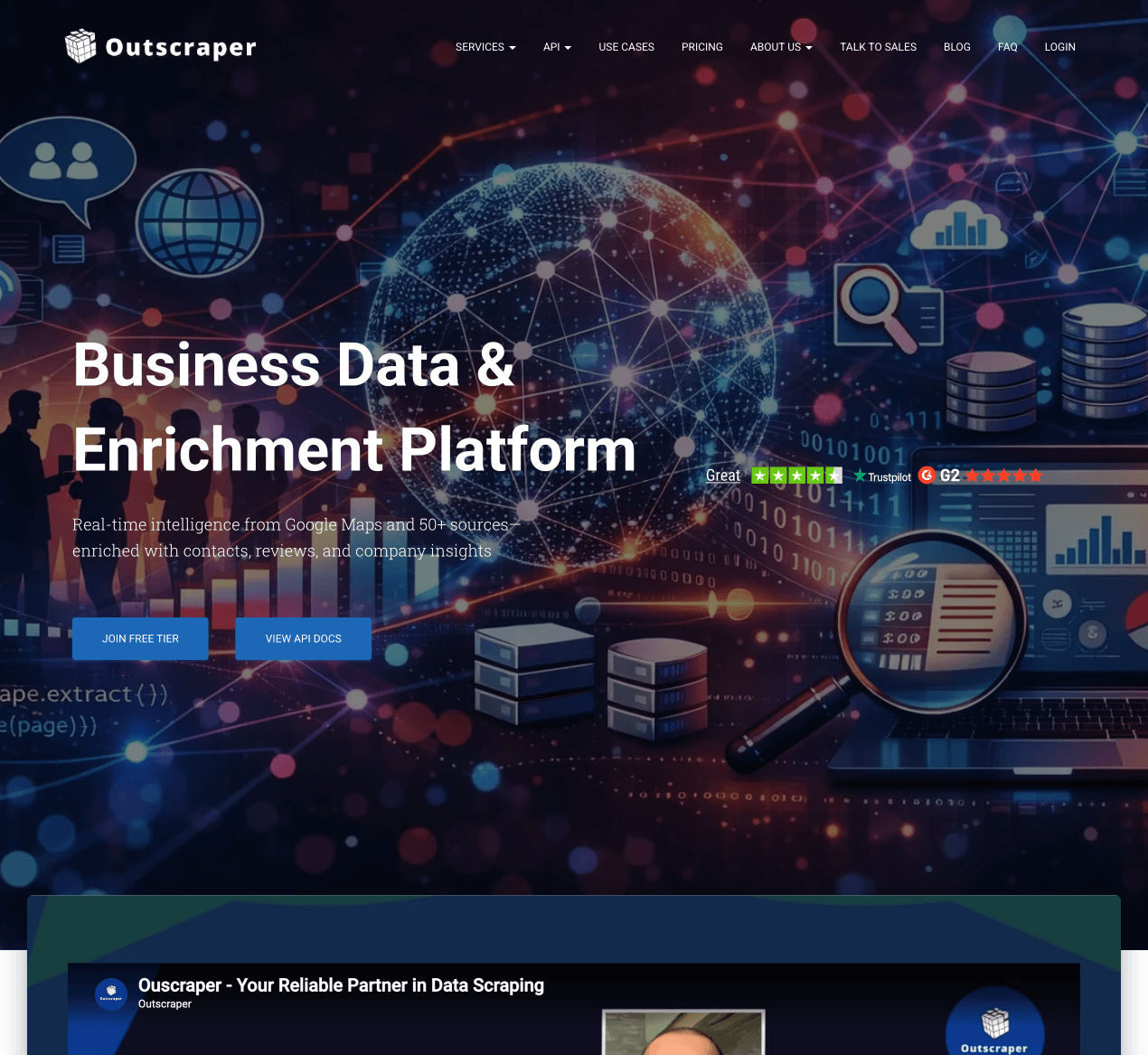
Outscraper: Deep Business Data and Built-In Enrichment
What It's Best For
Businesses that need high-volume Google Maps data with broad global coverage, and prefer a no-code dashboard backed by a documented API. It's a common pick for teams that need real volume.
Outscraper started narrow, a business-data scraper, and has grown into a fuller platform since. You search by category and location, apply filters, and either export directly or pull the same data through its REST API when automation is the goal.
Main Strengths
- A very large data footprint per business, including hours, ratings, reviews, and photos
- Usage-based pricing with no monthly commitment; usage resets on a rolling basis
- A workable free tier before you're billed, plus optional email and phone enrichment as an add-on
Possible Limitations
- Enrichment (emails and phone verification) is billed separately from the core scrape, so a fully enriched list costs more than the base price suggests
- The usage-based, tiered pricing takes a little getting used to if you're coming from a flat-rate tool
Who Should Choose It
A solid fit if you need broad Maps coverage at real volume, want enrichment bundled in as an option, and don't mind a usage-based bill that scales with how much you pull.
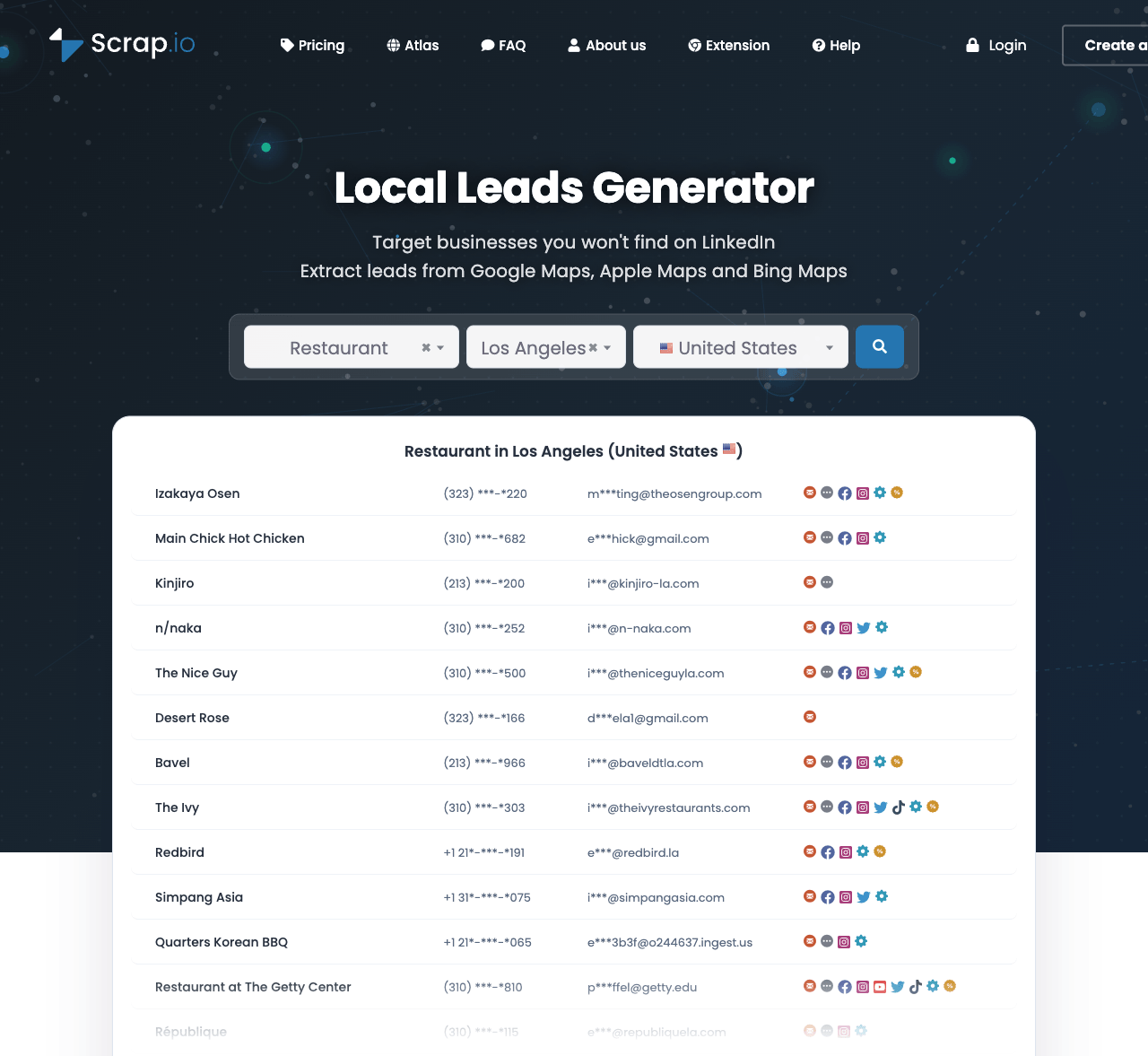
Scrap.io: Predictable Pricing for Local Lead Generation
What It's Best For
Teams who want scale but would rather know their monthly cost upfront than pay per record.
Scrap.io leans hard into a common frustration with usage-based Maps tools: watching the invoice creep up as volume grows. Its answer is flat, credit-based plans that bundle emails, phone numbers, and social profiles into the same credit instead of billing each one separately.
Main Strengths
- Flat, credit-based pricing that's easy to forecast for recurring monthly work
- Enrichment comes bundled in instead of showing up as a separate line item
- Search by location, keyword, or place ID, with a free credit counter so you know roughly what a search will cost before running it
Possible Limitations
- As a newer platform, its track record and documentation are still catching up to more established tools
- Flat-rate plans make the most sense if your usage is fairly steady month to month
Who Should Choose It
Agencies running recurring campaigns tend to prefer Scrap.io over a usage-based tool like Outscraper, since they know their exact monthly cost ahead of time instead of guessing.
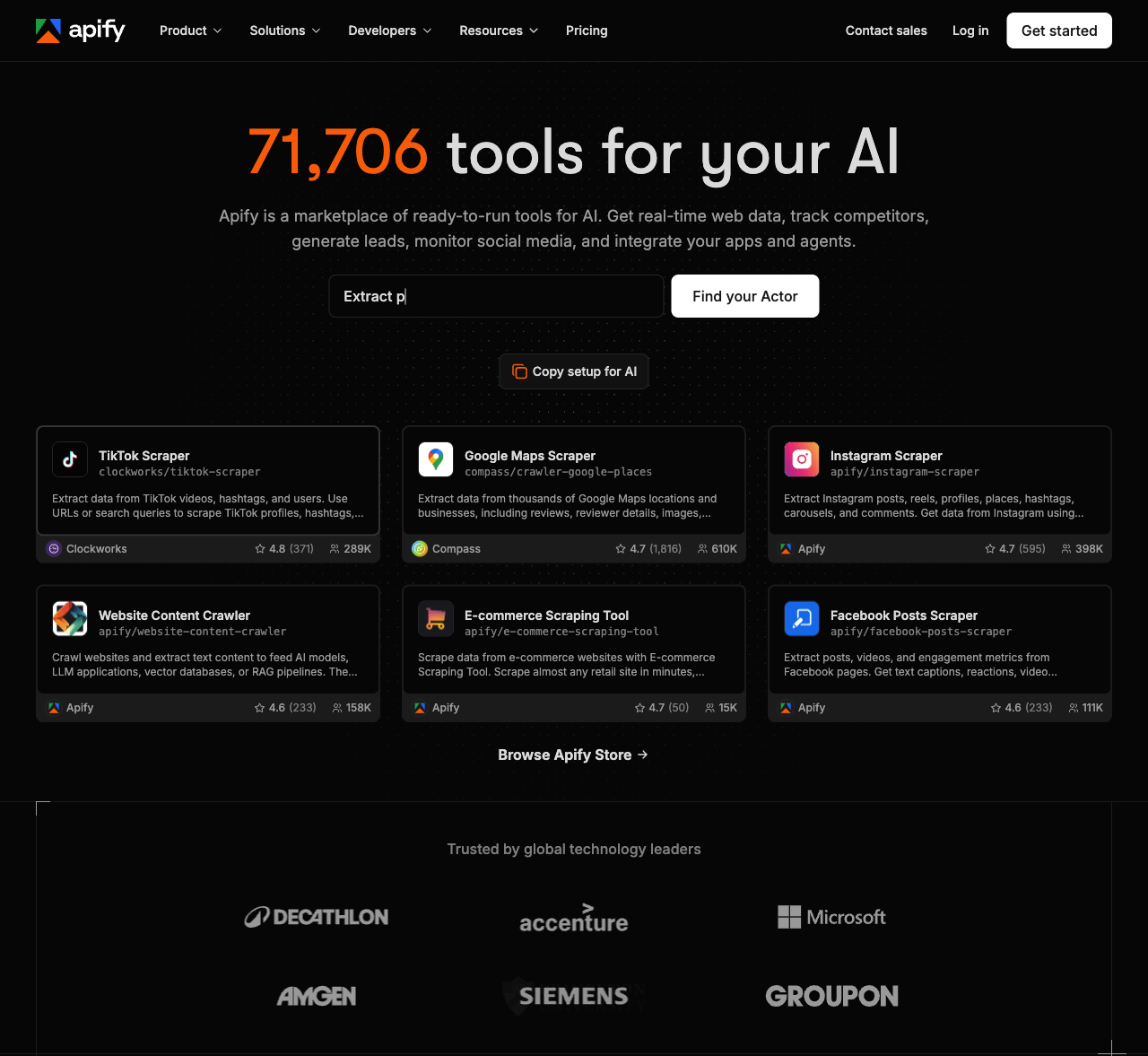
Apify: Fully Customizable Scraping for Developers
What It's Best For
Mainly for developers: anyone who wants full control over their scraping pipeline instead of being boxed into a fixed dashboard.
Think of Apify as a general scraping and automation platform first, and a Maps tool second. Its Google Maps Scraper Actor is just one of thousands sitting in the Apify Store, but results flow into your stack through the API, webhooks, or connectors like Make and Zapier, however your team already works.
Main Strengths
- Deep integration options, from API access and scheduling to direct connections with Google Sheets, Slack, and n8n
- A large marketplace of other Actors, so Maps data can sit alongside other scraping jobs on one platform
- Review-level scraping for teams that need reviewer detail, not just star ratings
Possible Limitations
- Actors are built and maintained by many different developers, so quality and update speed vary from one Actor to the next
- Costs combine a platform subscription with charges per event, which takes more math than a flat monthly bill
Who Should Choose It
This is really a tool for in-house engineering teams already comfortable inside Apify and using it for other scraping work too.
D7 Lead Finder: Leads Paired With Website and Ad Signals
What It's Best For
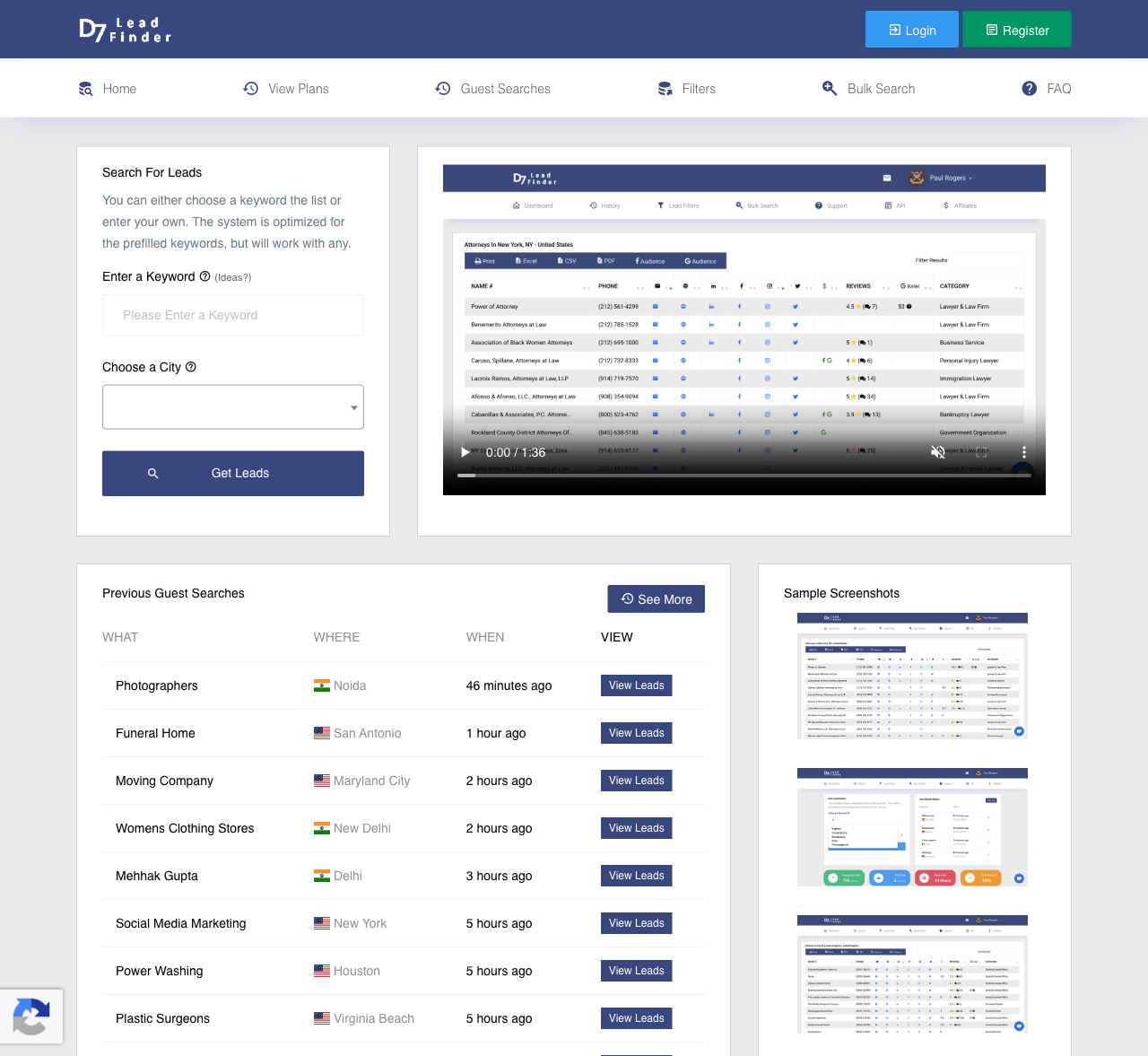
Agencies selling web design, SEO, or marketing services who want a top Google Maps scraper pick that already comes with a read on the prospect's tech stack.
D7 Lead Finder runs the same keyword-plus-location search you'd expect from a Maps scraper, but layers on something most competitors skip: a look at the website behind each listing, including the CMS it runs on, whether analytics is installed, and whether the business is currently running ads.
Main Strengths
- Technology detection (CMS, mobile-friendliness, analytics, and ad activity) is a real point of difference for anyone pitching web or marketing services
- A simple keyword-and-location search that returns names, emails, addresses, and social links
- Filters out incomplete leads before export, with output to CSV, Excel, or PDF
Possible Limitations
- Daily and monthly search caps depend on your plan, which can slow down larger campaigns
- No full free trial, though a handful of free daily searches let you preview results before committing
Who Should Choose It
If your pitch depends on knowing a prospect's website technology or ad spend, this edge can matter more than a plain Google Maps scraper's lower price.
QuickLeadFinder: A Simple Dashboard for Fast Local Leads
What It's Best For
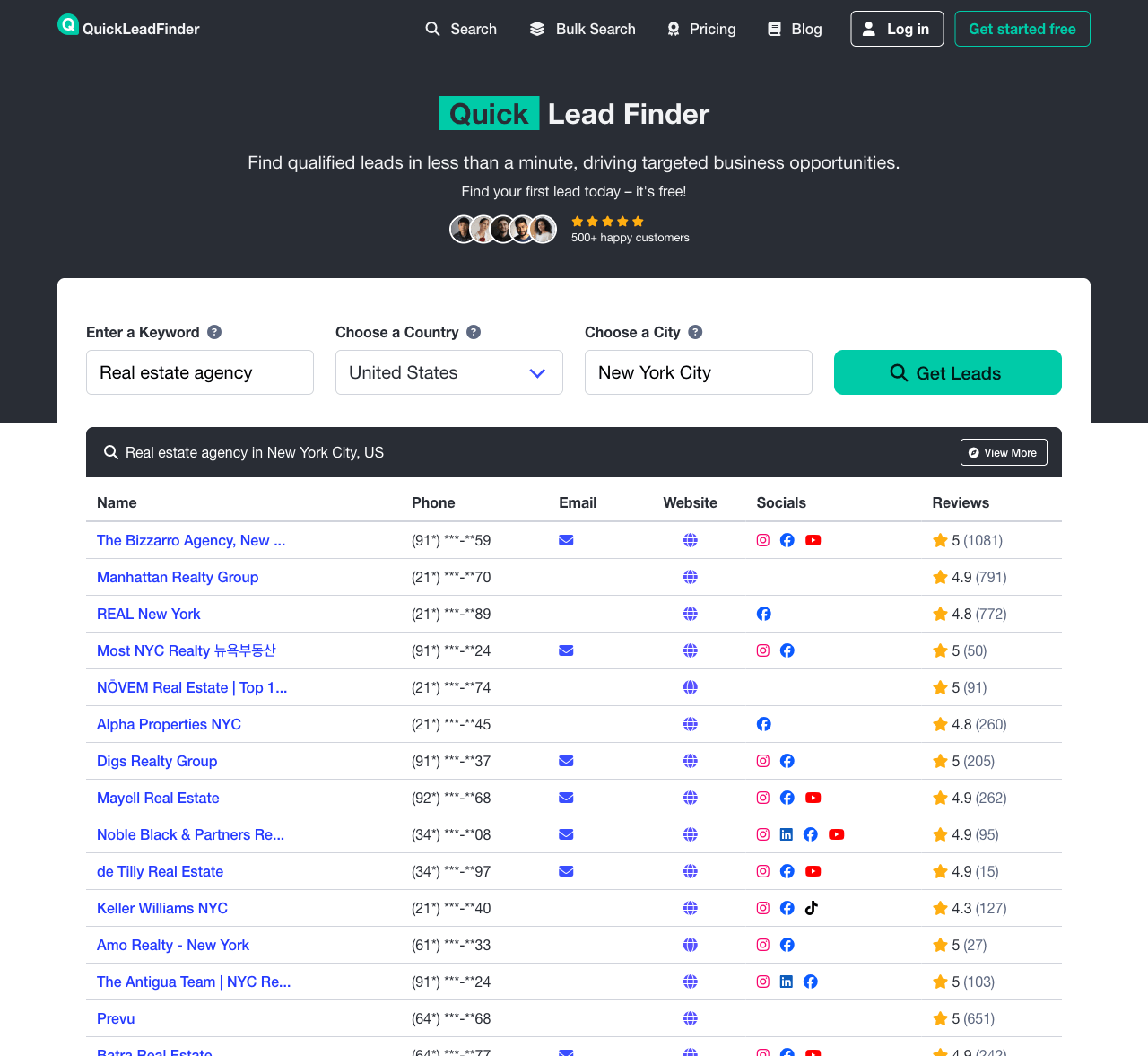
This one's for small businesses and solo operators, people who want a simple, browser-based dashboard and nothing technical.
QuickLeadFinder keeps things simple: search by keyword, country, and city, and get back names, phone numbers, emails, and social handles, with filters to narrow the list before exporting. That simplicity is likely why beginners find it so often.
Main Strengths
- No technical setup at all; the search-filter-export flow is about as simple as this category gets
- A free tier to try the workflow, plus filters that narrow results down to a properly targeted list
- Dedicated bulk search tools for running multiple cities or keywords at once, for when a single manual search isn't enough
Possible Limitations
- Data depth and field count sit lighter than platforms built specifically for bulk Maps extraction
- Better suited to smaller, local campaigns than a nationwide pull
Who Should Choose It
Freelancers, small agencies, and local business owners who just want an easy way to build a modest, targeted list.
API-First Tools for Developers and Enterprises
Tools in this section put programmatic access first, with a dashboard second if there's one at all. They make the most sense when Maps data needs to flow straight into a CRM or database instead of getting downloaded by hand.
BrightData: Enterprise-Grade Infrastructure and Proxies
What It's Best For
Large organizations that need Maps data as one piece of a much bigger web-data infrastructure, with compliance documentation to match. Not a typical pick for a small team.
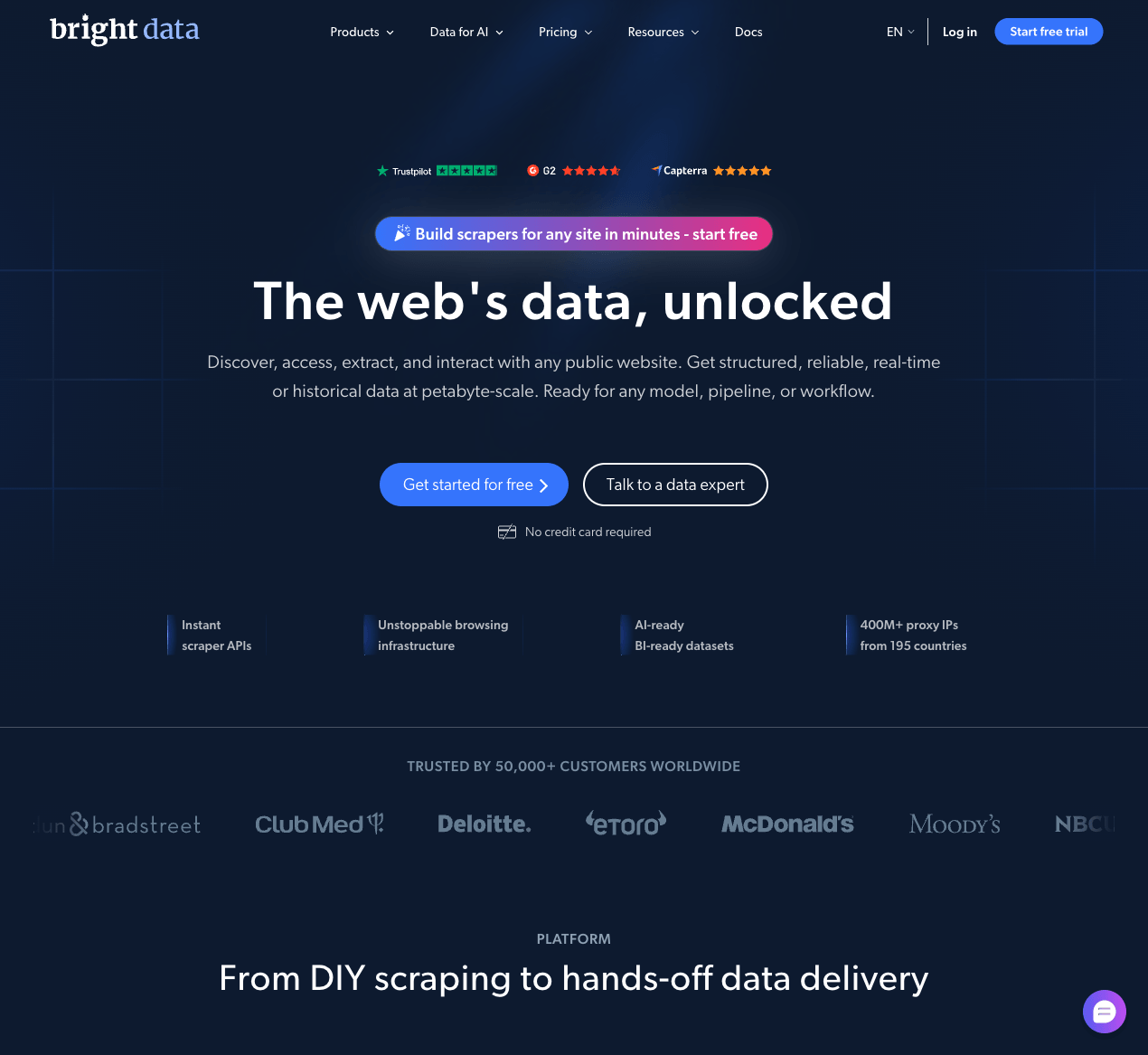
BrightData is, first and foremost, one of the largest commercial web-data platforms out there. Google Maps scraping happens to be one of many capabilities living inside its broader Web Scraper API, alongside dedicated SERP and Browser APIs and a proxy network most competitors can't match.
Main Strengths
- Extensive proxy infrastructure across many countries, useful for geo-targeted queries
- Formal compliance documentation, including recognized security and privacy certifications
- Covers far more than Maps, with a free trial available to test the Scraper API before committing
Possible Limitations
- Pricing sits at the enterprise-level end of the market, and full-featured plans cost noticeably more than dedicated Maps tools
- The platform's breadth means more setup and configuration than a tool built only for Maps
Who Should Choose It
Enterprises already dealing with compliance requirements, or with scraping needs that go well beyond Google Maps, get the most out of BrightData, even though it's built for far more than Maps.
ScrapingBee: A General-Purpose API With Maps Coverage
What It's Best For
Best suited to teams that need a general-purpose Google Maps scraper API, where Maps is one data source among several rather than the whole job.
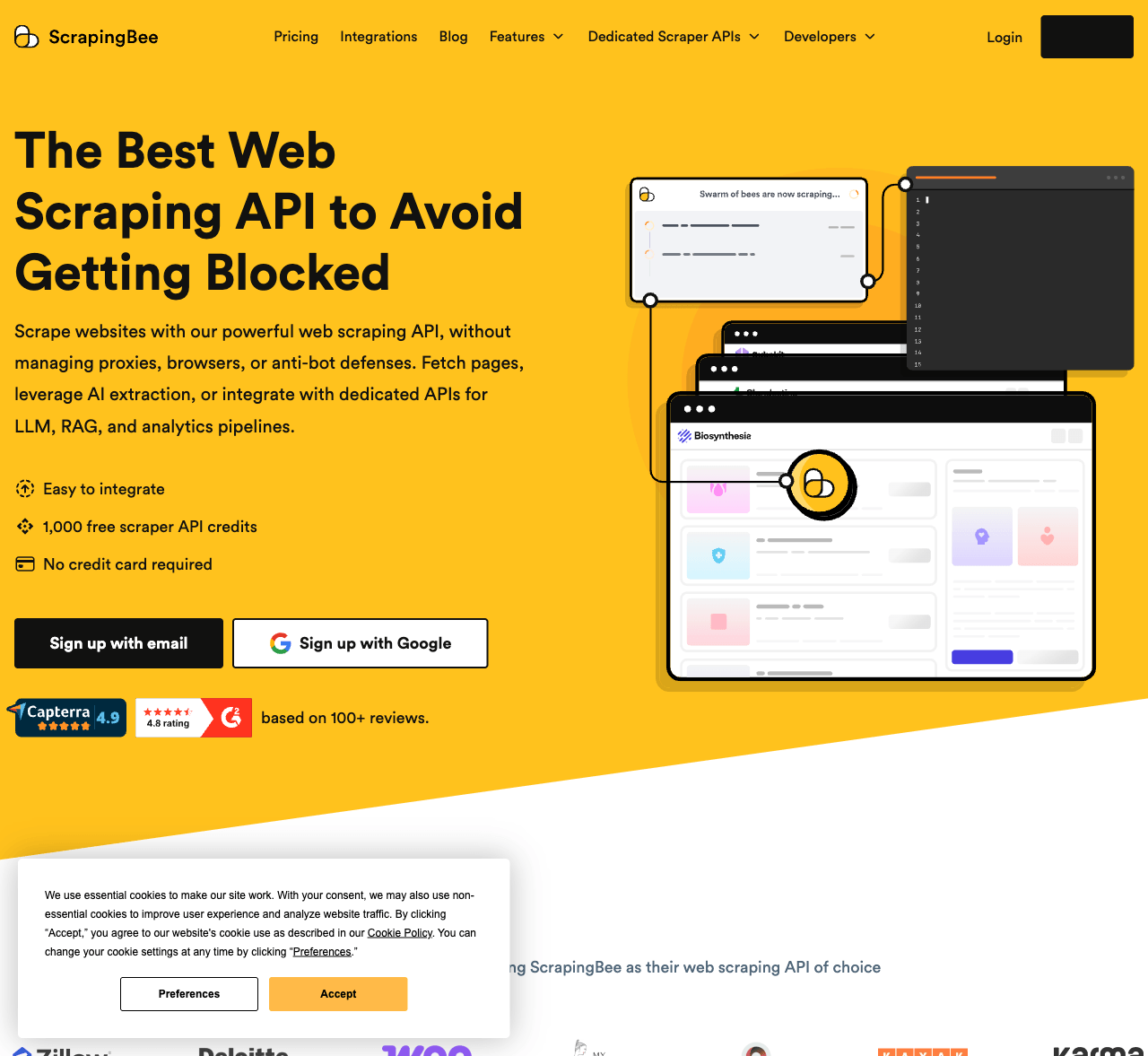
Send ScrapingBee a URL, and it handles proxy rotation, JavaScript rendering, and CAPTCHA solving behind the scenes, a broad web scraping API more than a Maps specialist. Google Maps isn't the headline feature, but its Google Search API returns Maps results as part of SERP data, and a dedicated Google My Business scraper sits among its library of pre-built templates.
Main Strengths
- One API that can scrape essentially any site, with Google Maps as one option among many
- Automatic handling of JavaScript rendering and common anti-bot obstacles
- Free credits to test before committing, with clear, predictable per-request pricing
Possible Limitations
- It's a general scraping API, not a Maps specialist, so lead-export features aren't as deep as tools built for this one job
- Some technical comfort is needed to wire the API into a workflow
Who Should Choose It
Developers who need Google Maps data alongside scraping from other sites, through a single API instead of juggling several
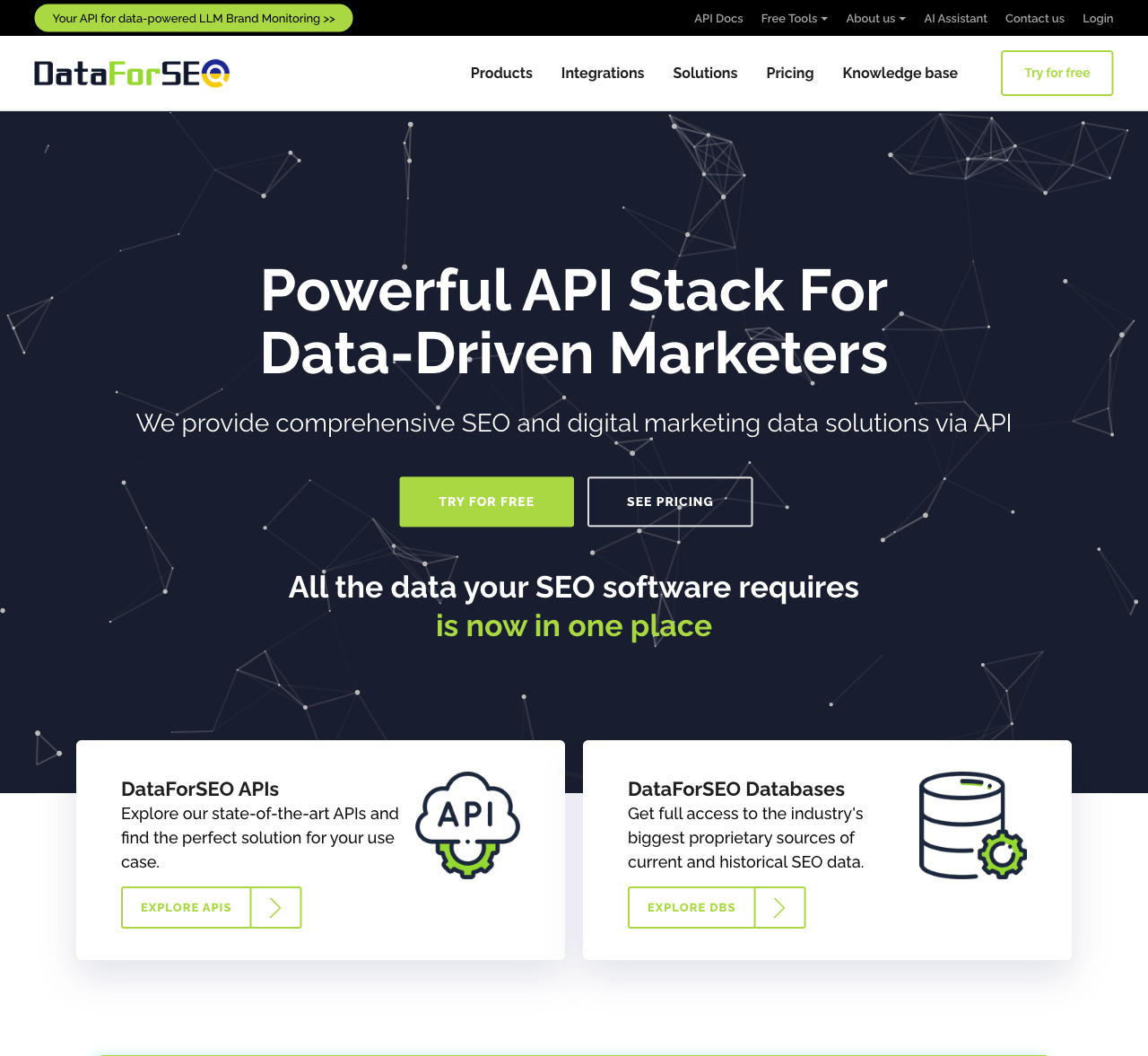
DataForSEO: Maps Data Built Into an SEO Toolkit
What It's Best For
SEO agencies and rank-tracking teams already working with APIs who want Maps data folded into a broader SEO stack.
At its core, DataForSEO is an API suite built for SEO tooling rather than lead generation. Its Business Data, SERP, and Reviews APIs return structured Maps listings, local pack rankings, and review data right alongside the rest of its SEO datasets.
Main Strengths
- Task-based, pay-per-call pricing that fits naturally into SEO software billing models
- Pairs well with other SEO datasets from the same provider, like rankings and backlinks
- A choice of live or standard delivery speeds, trading a bit of cost for turnaround time, with solid documentation for developers
Possible Limitations
- No visual dashboard for building searches, so non-technical users will need a developer to get set up (the account panel handles usage and billing, not queries)
- Per-task pricing takes some getting used to for teams new to API billing
Who Should Choose It
Local SEO agencies and SaaS teams building rank-tracking or reputation tools are the natural fit here.
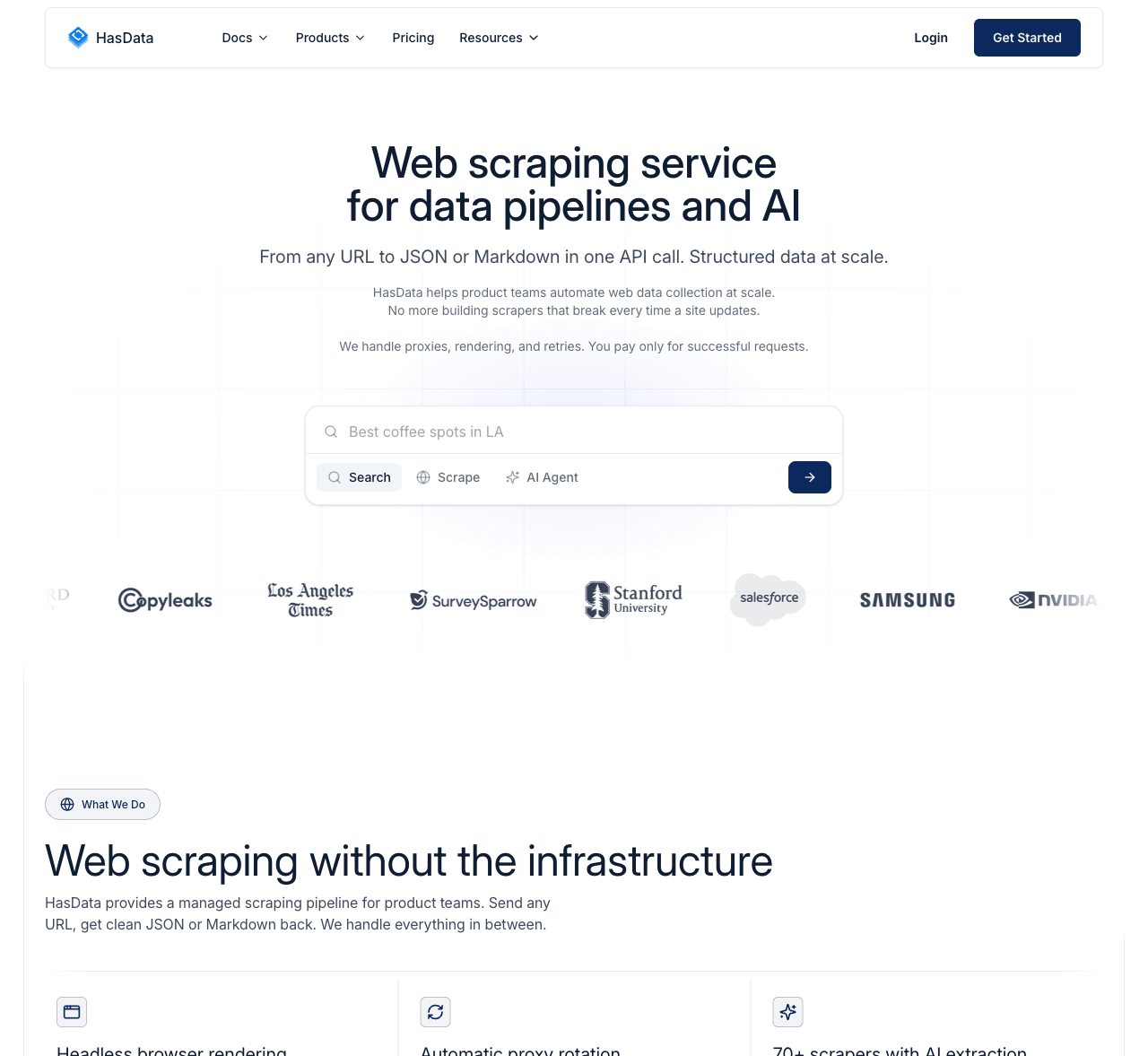
HasData: An Affordable, Developer-Friendly API
What It's Best For
For developers who want a lean, affordable Google Maps scraper API, with no extra infrastructure to pay for.
Structured JSON with minimal setup is the pitch behind HasData: a REST API and a no-code scraper for Google Maps, priced on credits and per-request costs instead of a flat monthly fee.
Main Strengths
- A clean, well-documented REST API that's quick to wire into an existing pipeline
- Credit-based pricing where you're generally only billed for successful results
- A no-code scraper option too, for teams who'd rather skip the API entirely, at a competitive per-record rate
Possible Limitations
- No visual dashboard for building more complex scraping logic, the way a tool like Octoparse offers
- The free tier is fairly modest, so meaningful usage means upgrading fairly quickly
Who Should Choose It
Developers who want to scrape data from Google Maps through a lean API, without paying for the enterprise infrastructure a platform like BrightData carries.
Desktop and No-Code Tools for Visual Scraping
If writing code isn't part of your job, there's a whole category of visual, template-driven scraper tools that let you build a scraping flow just by clicking through a page.
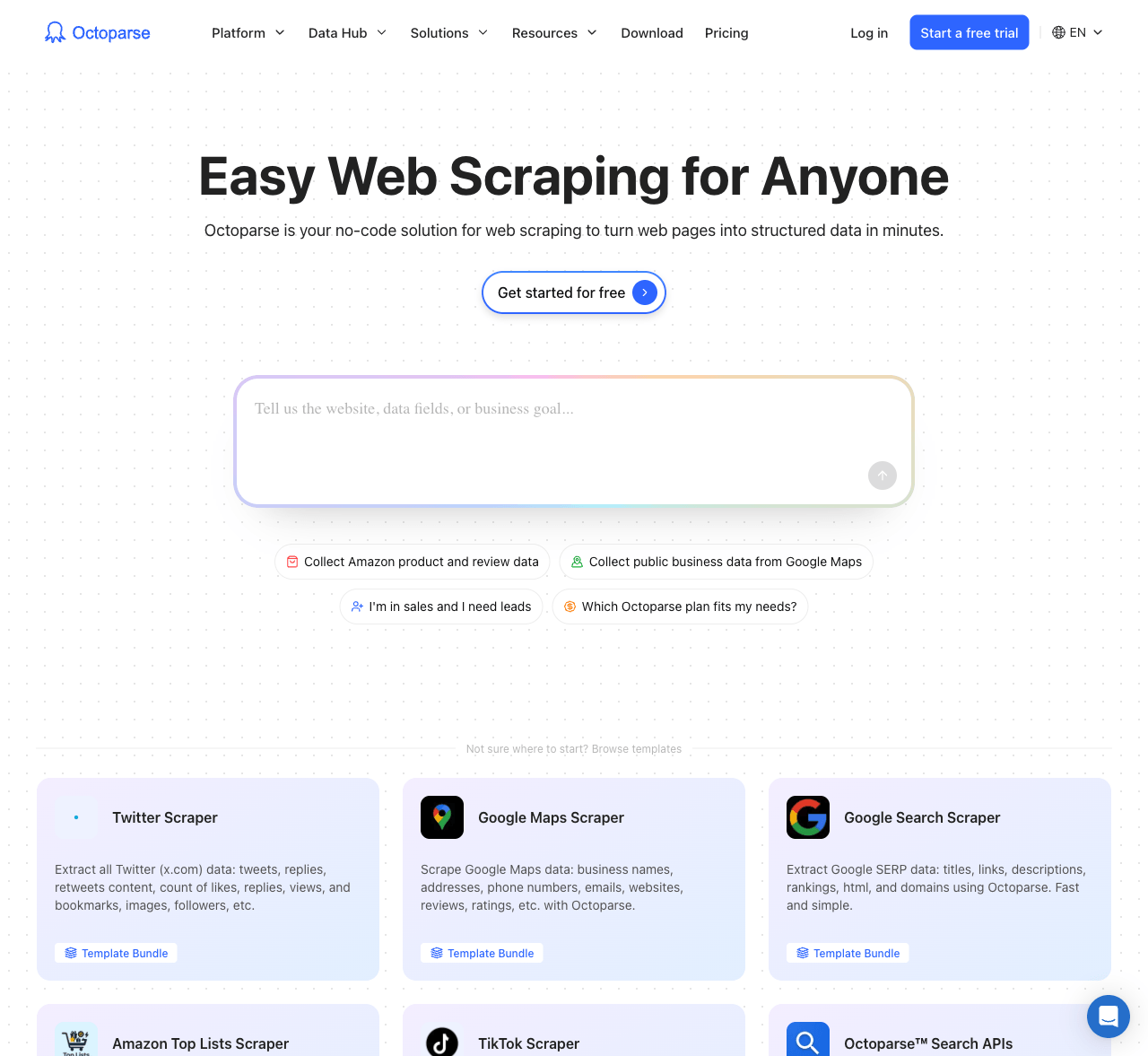
Octoparse: No-Code Visual Scraping at Scale
What It's Best For
Non-technical users get the most out of this one, which is likely why it shows up on so many beginner lists: point-and-click scraping, ready-made Maps templates, and the option to run jobs in the cloud.
No code, just clicking through the page you want scraped. Octoparse builds the extraction flow for you, ships with dedicated Google Maps templates, and runs jobs in the cloud so they keep going after you've closed your laptop.
Main Strengths
- Templates lower the barrier for non-developers while still leaving room for more control than a fixed dashboard offers
- Handles dynamic content, logins, and common anti-bot defenses, including CAPTCHA solving and proxy rotation on paid tiers
- Maintained in-house, so changes to how Google Maps displays results are Octoparse's problem to fix, not yours
Possible Limitations
- As a general-purpose visual scraper, some setup and template tuning is needed to get full coverage on a large job, even though its maps-splitting approach is built to get past Google's roughly 120-result-per-view cap
- Free usage is fairly limited, and visual workflow builders come with their own learning curve
Who Should Choose It
Researchers, marketers, and small teams who like the idea of building their own scraper visually, and who may want a top Google Maps scraper option for sites beyond Google Maps too.
How to Choose the Best Google Maps Scraper in 2026
This Google Maps scraper buyer's guide breaks it down with a few practical questions.
Start with volume. Light, occasional use is fine on a free or entry-level plan for any tool here. If you're pulling data constantly, flat or credit-based pricing you can actually forecast starts to matter a lot more.
Dashboard, extension, or API? For clicking through searches, try a no-code tool like G Maps Extractor or Octoparse. For flowing data into your own software, go API-first with Apify or HasData.
There's also a real tradeoff between predictable pricing and flexibility. Usage-based tools are cheap at low volume but hard to forecast once you scale up; flat-rate tools like Scrap.io give up some of that flexibility for a bill you can predict.
Need more than raw contact data? If outreach depends on signals like a prospect's website technology, D7 Lead Finder's detection layer may be worth more than volume.
And if your needs go beyond Maps entirely, existing infrastructure or formal compliance requirements, a platform like BrightData tends to make more sense than a Maps-only tool.
Start with a free trial before committing, and compare the real cost of a fully enriched list, not just the advertised price. The G Maps Extractor homepage lets you run a sample search with no account required.
A Note on Responsible Use
Whichever tool you choose, a few habits keep your data useful and your outreach welcome instead of annoying.
- Stick to public business information, such as names, categories, public phone numbers, and business emails, not personal data.
- Familiarize yourself with privacy and outreach regulations in the regions you're contacting, since rules vary by country.
- Avoid high-volume, untargeted spam. A smaller, well-targeted list generally performs better.
- Keep your data updated. Listings change often, so refresh lists periodically.
- Offer a clear opt-out in your outreach, and honor unsubscribe requests promptly.
FAQs
What's the difference between the best Google Maps scraper and a general-purpose web scraper?
A Google Maps scraper is designed specifically around Maps' own display limits and returns structured fields like names, addresses, and phone numbers by default. A general-purpose scraper, like Apify or ScrapingBee, can pull the same data, but treats Maps as just one of many possible targets.
Do I need an API, or is a browser extension or dashboard enough?
It depends on volume and comfort with tech. Occasional searches suit a dashboard like G Maps Extractor, which has a free tier for testing the waters. Recurring jobs suit an API option like Apify or DataForSEO.
Why do prices vary so much between these tools?
Pricing models differ across these tools: some charge per record or call, some use credits, others flat subscriptions. Cheap-looking per-record tools can cost more once enrichment is billed separately.
Can these tools guarantee accurate, up-to-date business data?
No tool can guarantee perfect accuracy, since listings change and depend on what owners and Google keep updated. That's true of every tool here, so look for a track record of handling interface changes well.
Is one tool right for every use case?
Not really. A freelancer's needs differ from an enterprise team's compliance requirements, which is why this list spans no-code tools, developer APIs, and enterprise platforms.
What is the best free Google Maps scraper?
Several tools on this list, including G Maps Extractor, Outscraper, and Scrap.io, offer usable free tiers, though monthly limits and included features vary.
Ready to Find Your Next Leads on Google Maps?
Whichever tool fits your workflow, the fastest way to know if it works is to run a real search on your own data.
Start scraping Google Maps for free with G Maps Extractor, no credit card required, so you can see the export before deciding on a paid plan.