If you are using Microsoft Edge browser, we recommend you to install G Maps Extractor from Microsoft Edge Addons Store.
1. Download the latest (v2.5.1) extension packaged (It's free). After installation, you can upgrade to a Pro account directly in the software if you want.
2. After downloading extension packaged as a zip file.
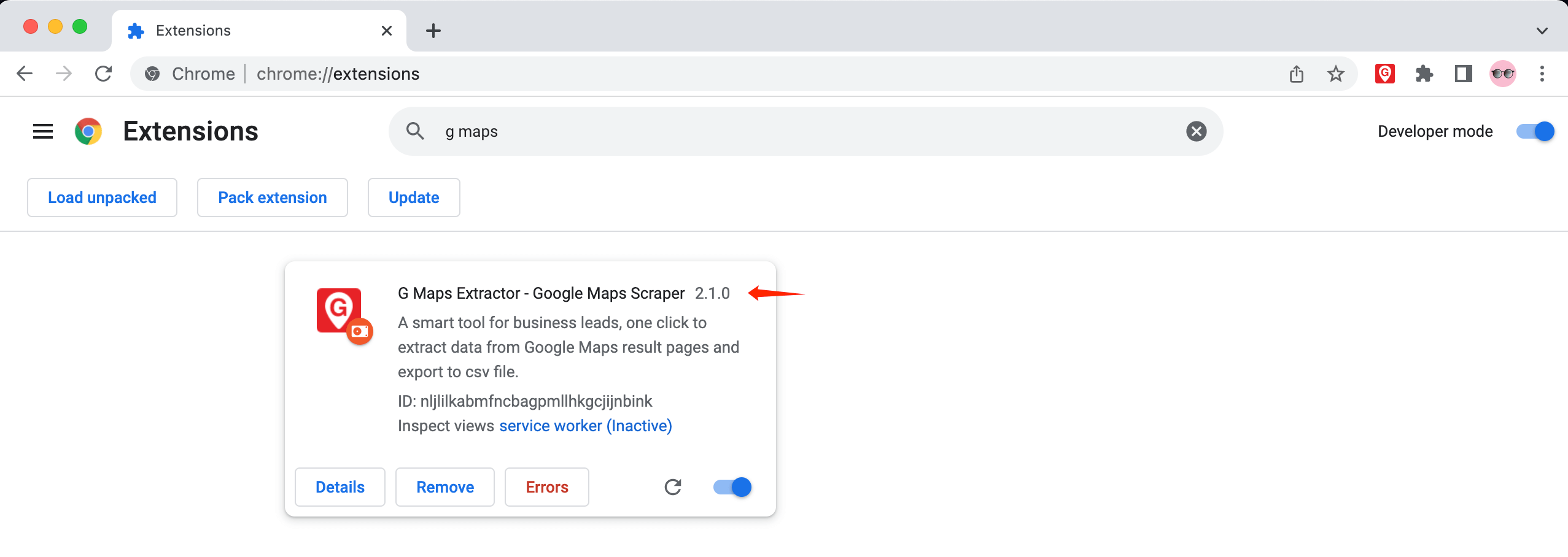
We use v2.1.0 to explain the installation process step by step.
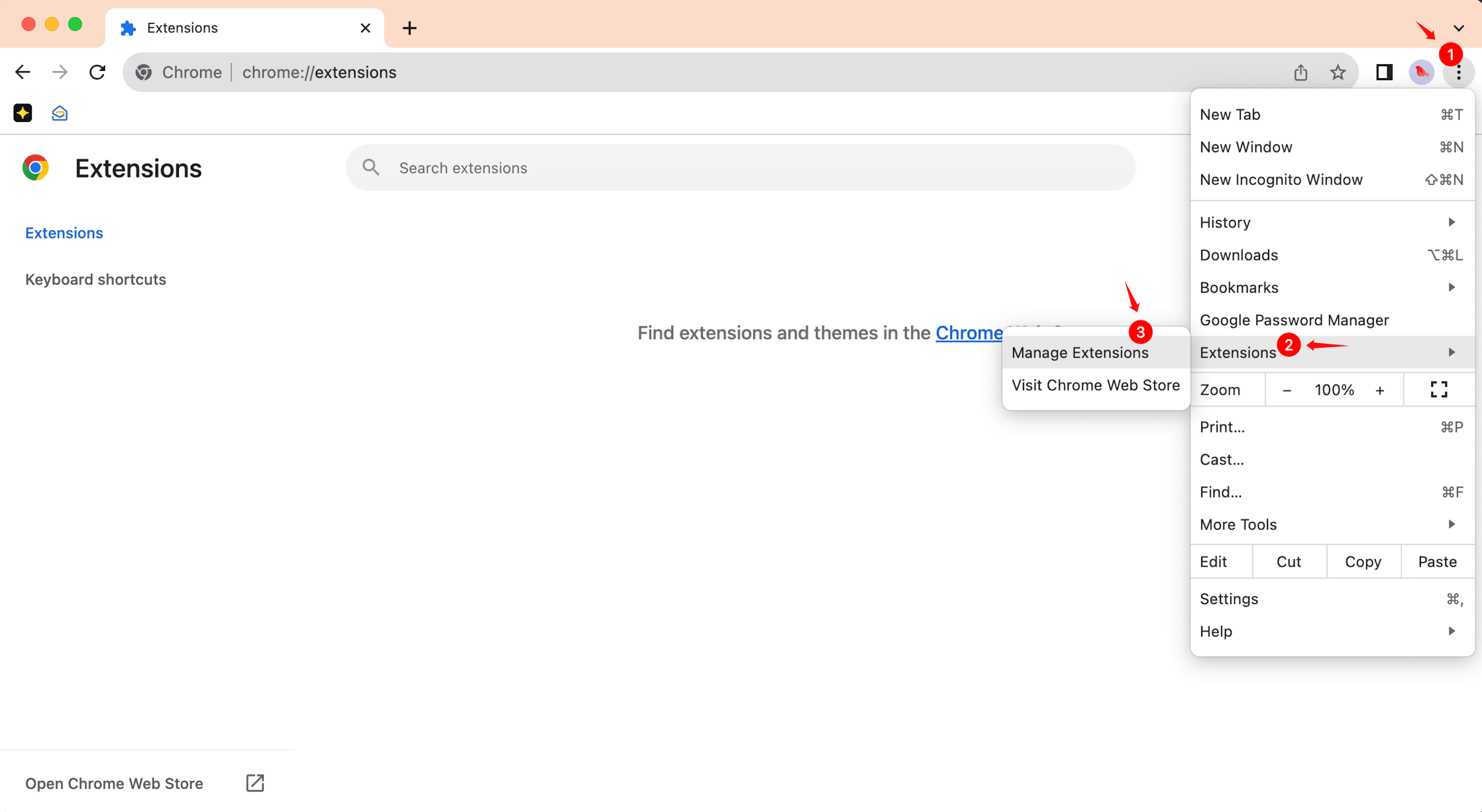
3. In Chrome, navigate to chrome://extensions
4. Enable the Developer mode.
5. Drop the G-MAPS-EXTRACTOR-v2.1.0.zip to the Chrome Extensions page.
6. Done!
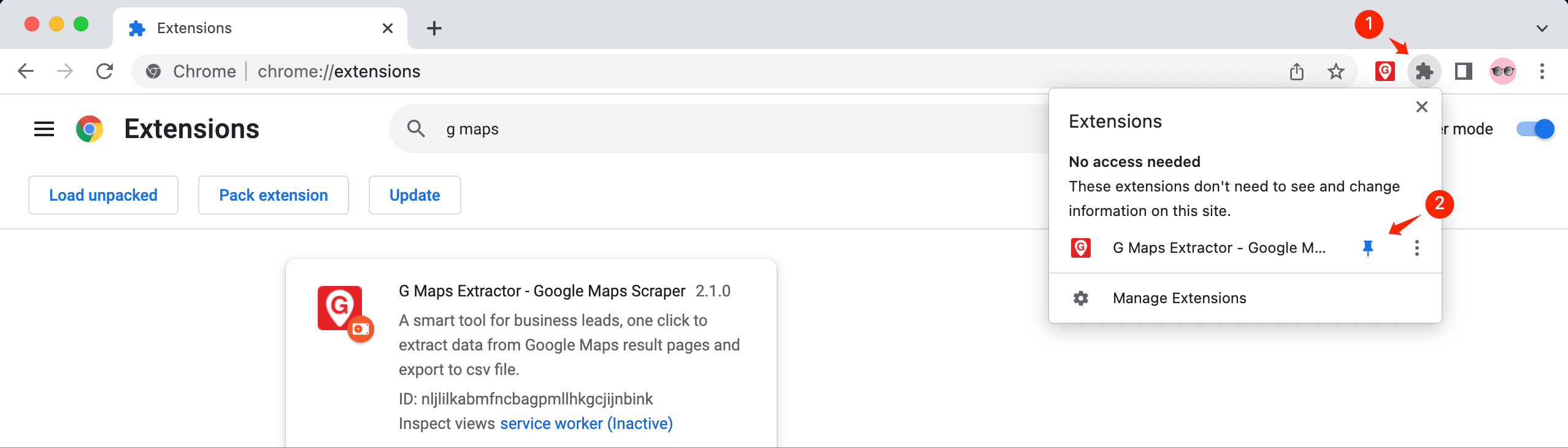
7. The extension is installed and you are ready to go. You can now manage the extension as you would any other, and its icon will appear in the Chrome address bar (if it has one) to the right of the address bar, pin it.
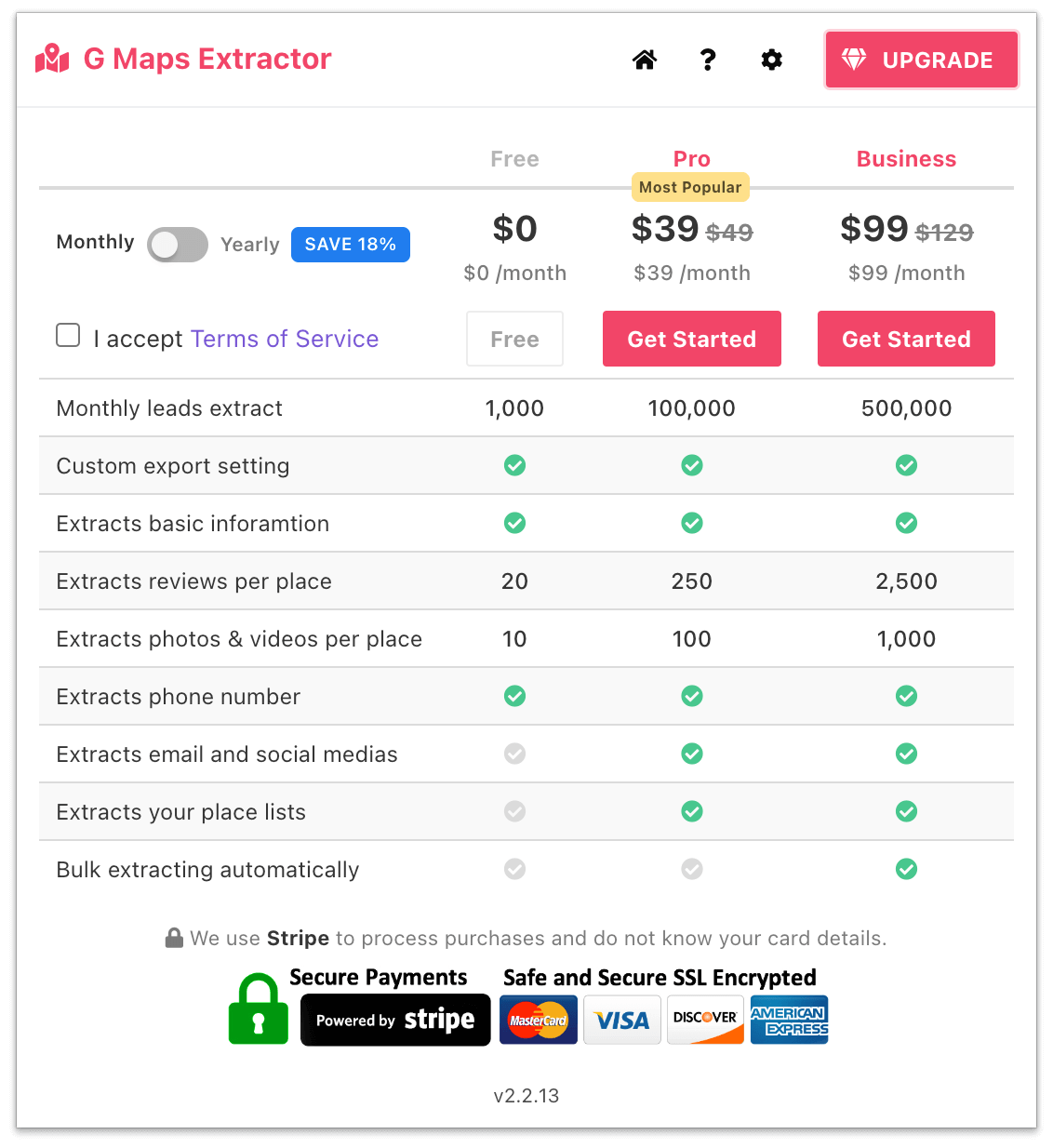
8. If you want to upgrade to Pro or Business account, click the "UPGRADE" button and select the plan you want to start.
9. Watch how to use the extension to scrape Google Maps data.
We will always keep updating our products. If you have any questions, please feel free to contact us. [email protected]
Updated: Jun 23, 2026
How to Scrape Google Maps Data for Free
A complete guideline about how to scrape Google Maps effortlessly without wasting your precious time.